BLACKFRIDAY40
 Transfer
Transfer
A multi-protocol file server for your Mac. Update firmware, transfer configuration files, and collect logs from network devices over TFTP, SFTP, FTP, HTTP, or HTTPS.
3-day free trial · Requires macOS 13.5 or later
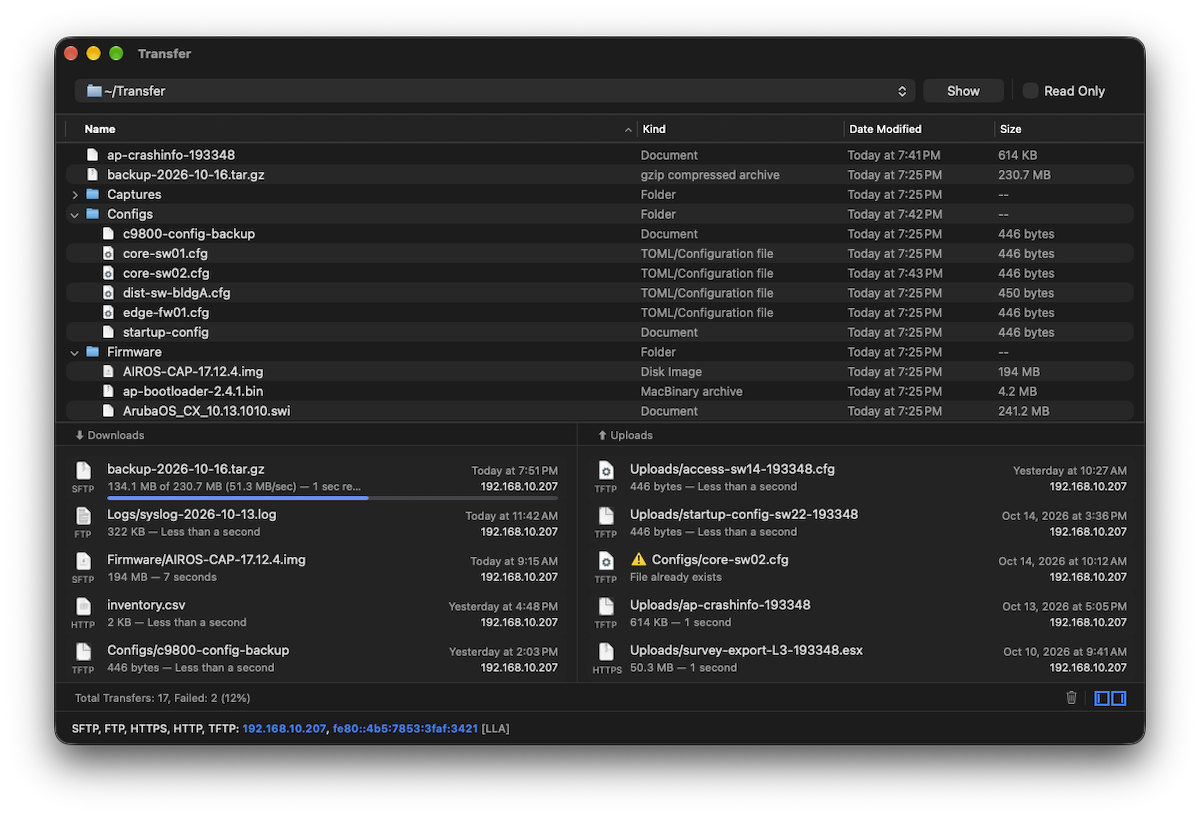
A file server for network equipment
Built for IT and network administrators who need a reliable file server for network equipment and other devices.
Ready to go
Launch Transfer and it starts serving files right away. It shows the addresses clients can use to reach your Mac.
Powerful and flexible
Written from the ground up to handle different protocols, file types, and file sizes.
Fully compliant
Follows the protocol specifications and supports common extensions and options, such as TFTP block size and transfer size.
PROTOCOLS
A modern file server
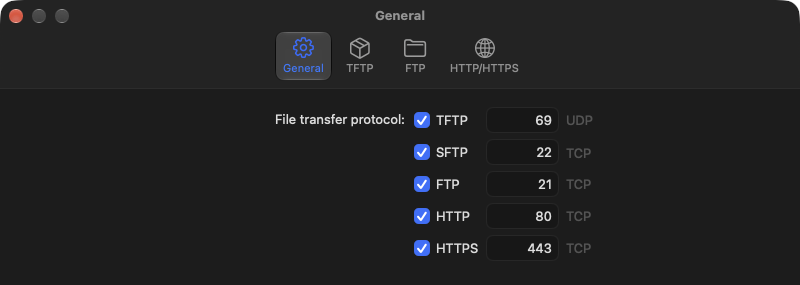
Transfer is a standalone TFTP, SFTP, FTP, HTTP, and HTTPS server with a simple, modern interface. It’s an alternative to the file servers built into macOS. Clients start each download or upload, and Transfer serves or receives the files.
TRANSFERS
Designed for network administrators
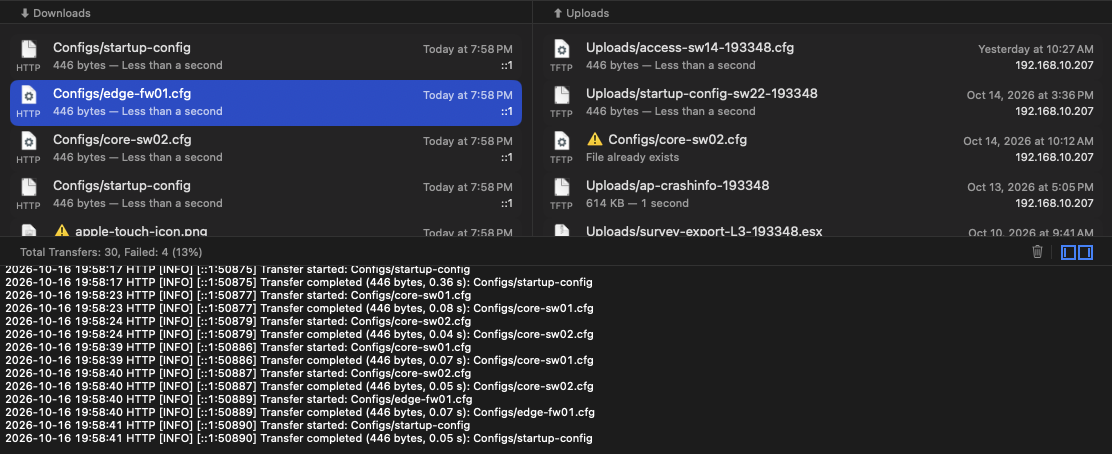
Use Transfer to manage network equipment that relies on a file transfer protocol for firmware updates, configuration files, and logs. Downloads and uploads appear in separate lists so you can follow each request.
FILE BROWSER
Powerful and easy to use
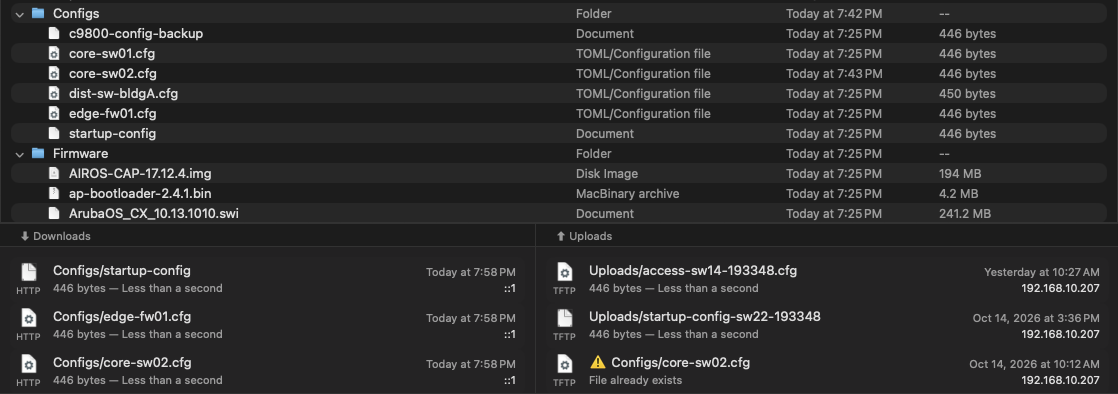
The file browser shows the contents of the root directory, the folder Transfer serves files from and saves uploads to.