
MONITOR • DIAGNOSE • TROUBLESHOOT
Know how your Wi-Fi is doing, right from the menu bar.
Keep an eye on your connection’s quality, catch drops and roams as they happen, and find out in seconds whether the problem is your Wi-Fi or your Internet.
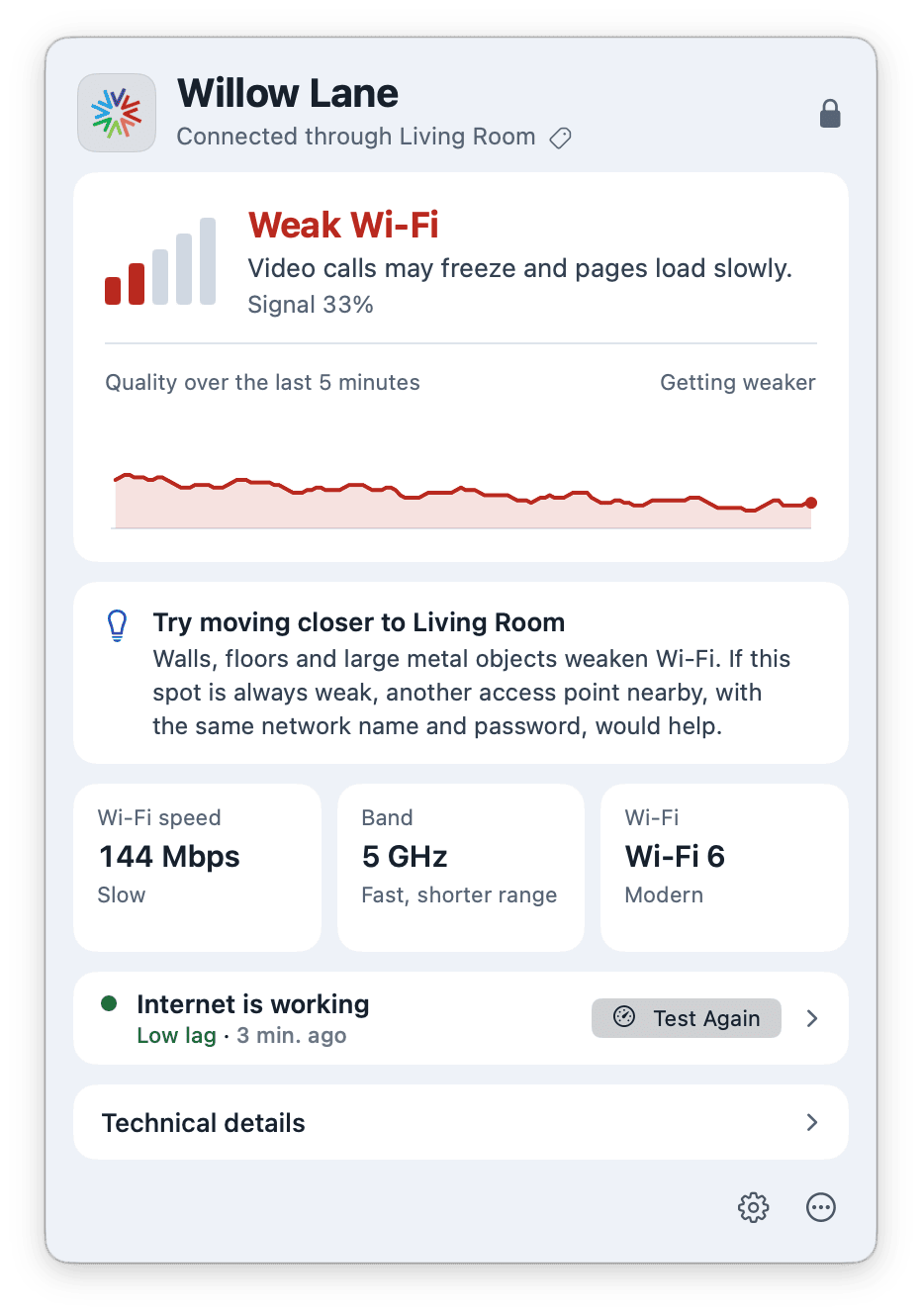
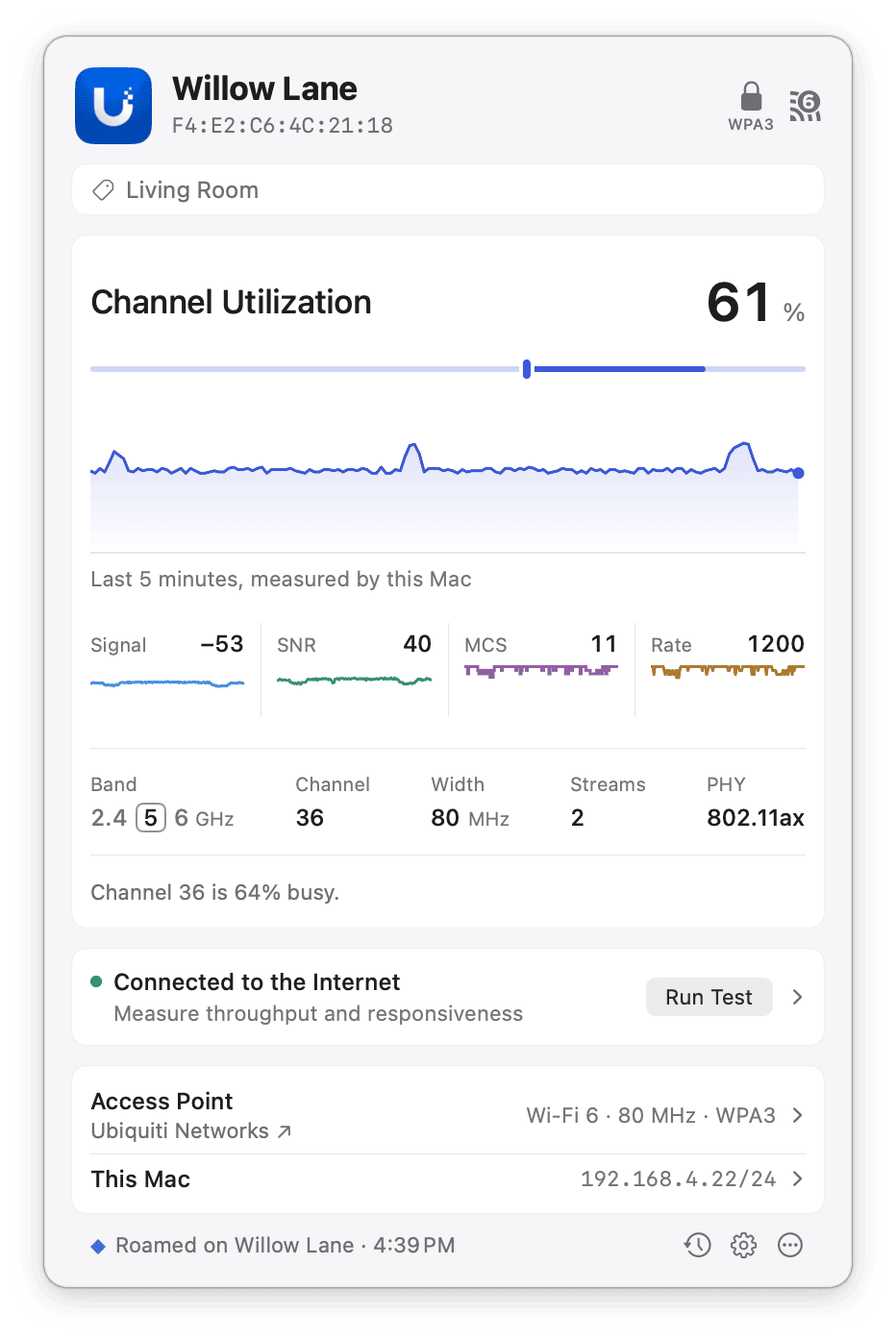
The Details, Side by Side
Both apps share the same approach to Wi-Fi monitoring — here’s how they compare.
Frequently Asked Questions
Here are answers to some of the questions we hear most often.
What’s the difference between WiFi Signal 5 and WiFi Signal Pro?
WiFi Signal 5 rates your connection in plain language, explains what’s hurting it, and suggests fixes. WiFi Signal Pro is built for WLAN professionals, adding live radio charts, full access point details, roam analysis, and up to 14 days of exportable connection history.
Do I need WiFi Signal Pro?
If you troubleshoot Wi-Fi for a living, support enterprise networks, or need a record of what happened to a connection over time, WiFi Signal Pro is the better choice. Otherwise, WiFi Signal 5 includes everything you need to understand and fix everyday Wi-Fi issues.
Can I monitor 6 GHz and Wi-Fi 7 networks?
Yes. Both WiFi Signal applications support the latest Wi-Fi standards, including the 6 GHz band, subject to the capabilities of your Mac’s Wi-Fi hardware and macOS.
Can I use WiFi Signal with an external Wi-Fi adapter?
No. WiFi Signal 5 and WiFi Signal Pro monitor the connection of your Mac’s built-in Wi-Fi hardware. External Wi-Fi adapters are not supported.
How is WiFi Signal different from WiFi Explorer?
WiFi Signal continuously monitors the connection your Mac is using, right from the menu bar. WiFi Explorer scans all the networks around you so you can analyze channels and configuration. Many professionals use both. Compare the WiFi Explorer apps →
Can I try the applications before purchasing?
WiFi Signal Pro includes a 7-day free trial, so you can evaluate it before purchasing. WiFi Signal 5 is available on the Mac App Store.