WiFi Signal 5

WiFi Signal 5
See how your Mac’s Wi-Fi is doing from the menu bar, find out why when it’s slow, and get notified when your connection changes.
Requires macOS 15 or later and a Mac with built-in Wi-Fi
Your Wi-Fi at a glance
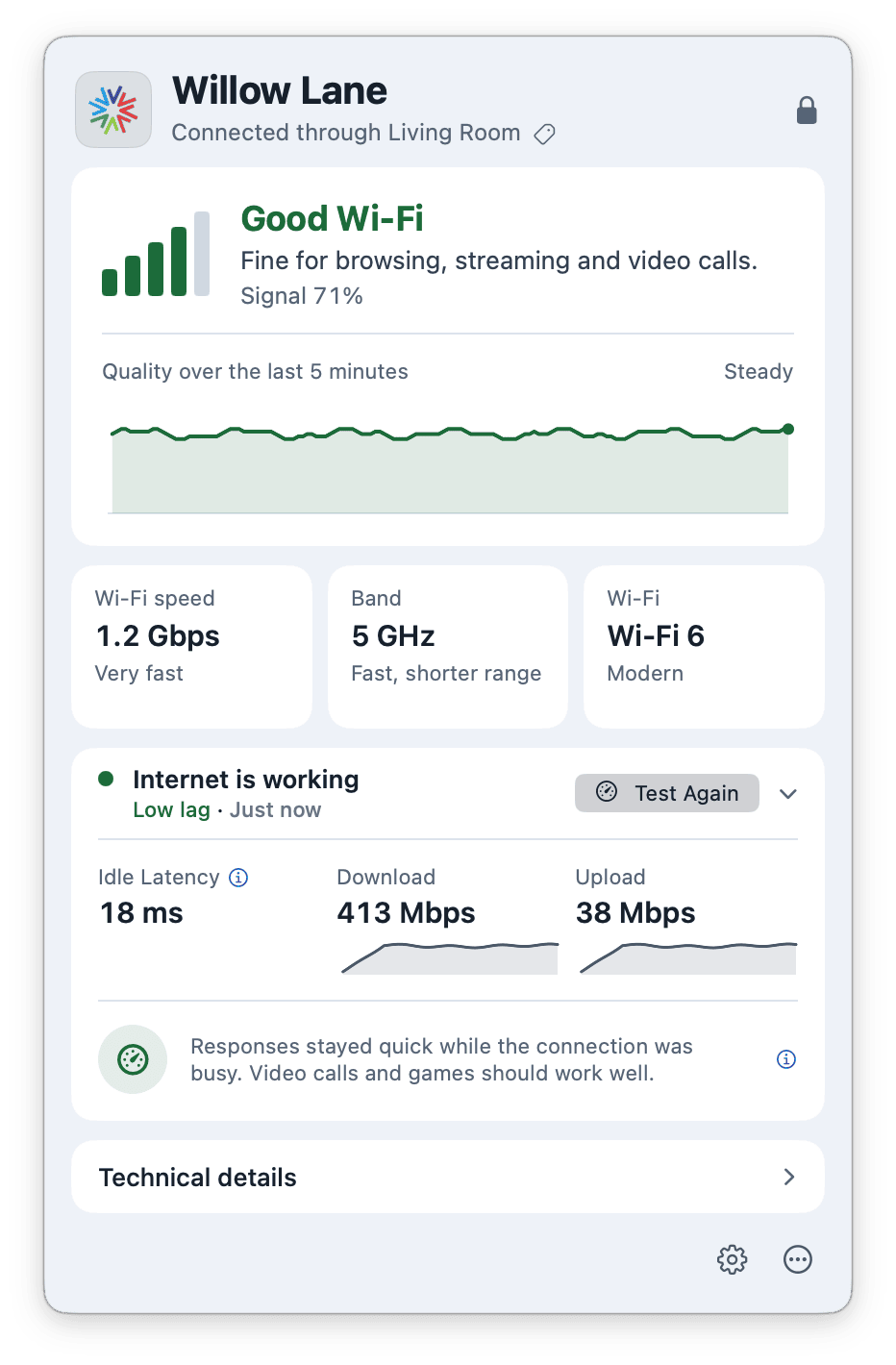
WiFi Signal tells you in plain words how good your Wi-Fi is, what’s getting in the way, and what may help.
A clear answer
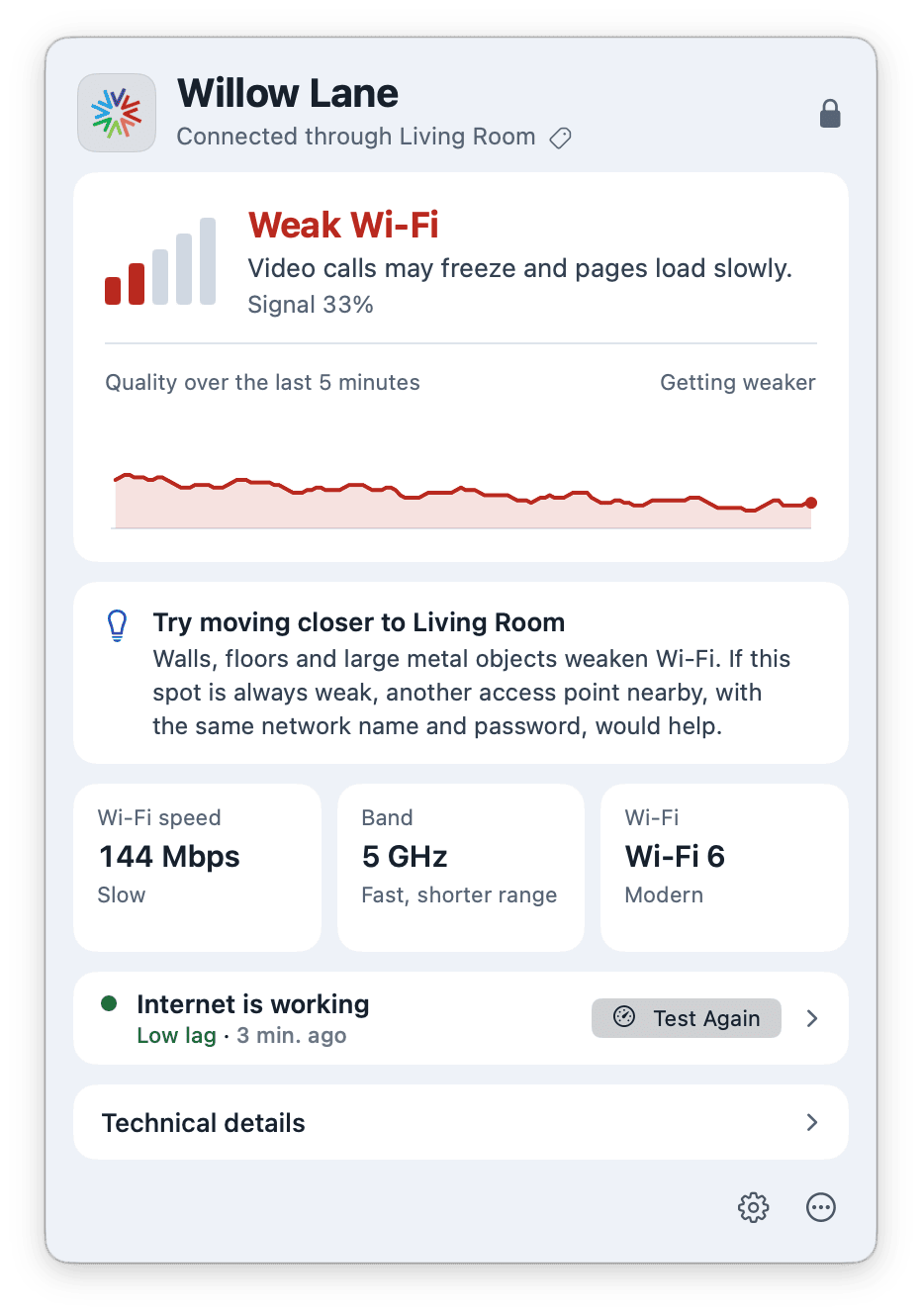
A rating from Excellent to Very poor, what’s causing a problem, and things to try to fix it.
Wi-Fi or Internet?
Find out when the problem isn’t your Wi-Fi, and test your Internet speed and lag whenever you like.
Notifications
Get notified when your Mac joins or leaves a network, switches access points, loses signal or loses the Internet.
WI-FI QUALITY
Answers, not just numbers
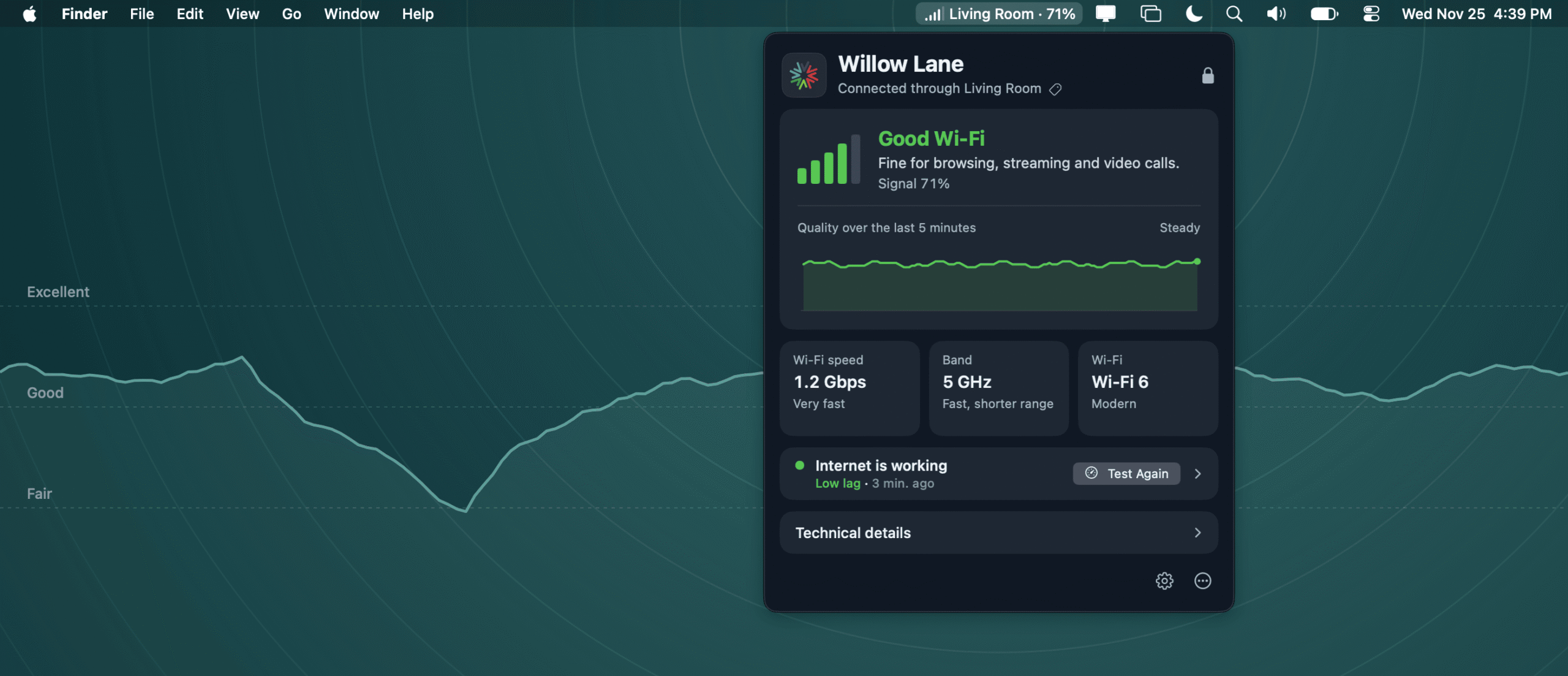
Click WiFi Signal in the menu bar to see how good your Wi-Fi is, why, and what may help. Technical details are a click away.
MENU BAR
Fully customizable status display
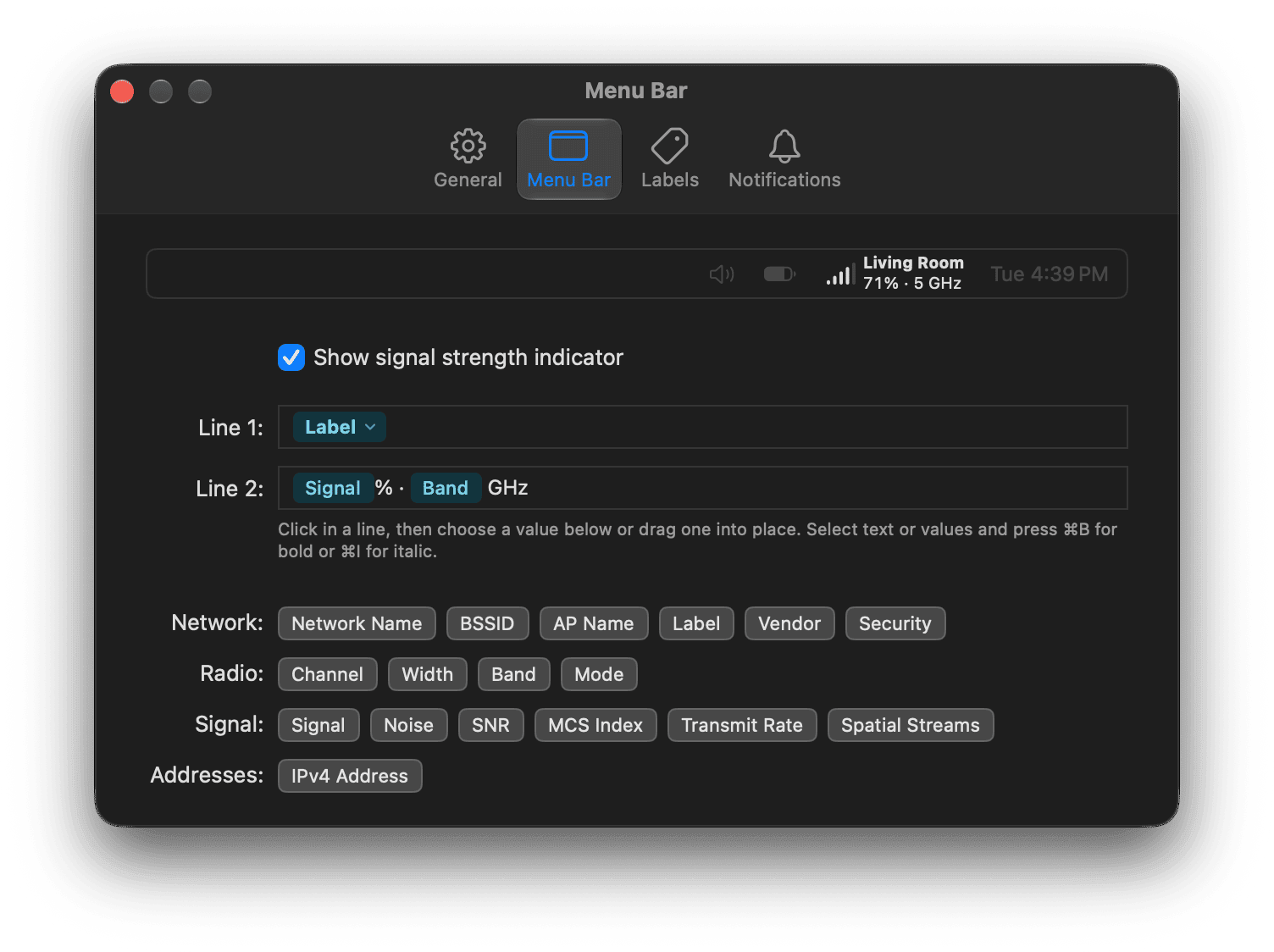
Use a display pattern to choose what WiFi Signal shows in the menu bar, and in what order.
INTERNET
Is it the Wi-Fi or the Internet?
WiFi Signal keeps an eye on your Internet connection too. It tells you when a network wants you to sign in, when websites aren’t opening, or when the Internet isn’t responding at all.